Mi Fit App: Complete Guide, Zepp Life, and Mi Fitness
Everything about the Mi Fit app, its transition to Zepp Life and Mi Fitness, and how to sync and leverage your health and activity data.
Summarize this article with
The essentials in 30 seconds
The Mi Fit ecosystem has split into two separate apps depending on your device model.
- 1.The historical Mi Fit app became Zepp Life, managed by Zepp Health (Huami), supporting Xiaomi Mi Band 1 through 7 and connected smart scales.
- 2.Mi Fitness (formerly Xiaomi Wear) is the new official application for Smart Band 8, Smart Band 9, and Xiaomi Watch and Redmi smartwatches.
- 3.Both apps collect essential metrics: daily step count, 24/7 heart rate, blood oxygen saturation (SpO2), sleep stages, and the PAI activity score.
- 4.To turn passive tracking into actionable athletic progress, pairing your wearable with an intelligent coach like Atlo dynamically adapts workouts and nutrition in real time.
Interactive Quiz
What is your health tracker usage profile?
Answer 6 quick questions to assess your tracking and fitness needs
Which smartwatch or fitness band model do you use?
📖 From Mi Fit to Zepp Life and Mi Fitness: What Happened?
The Mi Fit app was for years the indispensable companion tool for Xiaomi Mi Band fitness trackers. Originally launched alongside the first Mi Band in 2014, it attracted over 100 million worldwide users thanks to its straightforward setup and daily activity tracking.
In March 2022, a major shift reshaped the ecosystem. The Mi Fit app was officially rebranded to Zepp Life on Google Play Store and Apple App Store. This change reflected the industrial partnership between Xiaomi and its long-time manufacturer Huami (now Zepp Health), the hardware maker behind Mi Band generations 1 through 7.
Concurrently, Xiaomi developed its in-house platform, Mi Fitness (formerly known as Xiaomi Wear). Starting with the Smart Band 8 and Smart Band 9, Xiaomi shifted production to other hardware partners, making these newer devices exclusively compatible with Mi Fitness. As a result, users today must navigate two distinct apps depending on their device generation.
🧭 Which App Should You Choose for Your Xiaomi Device?
Choosing the right app depends strictly on your band or smartwatch model. Attempting to pair a Smart Band 8 with Zepp Life or an older Mi Band 4 with Mi Fitness will result in a Bluetooth pairing failure. Identifying the proper app beforehand is essential.
Zepp Life remains the preferred application for the Huami/Zepp Health hardware line. It supports Xiaomi smart body scales (Mi Body Composition Scale 1 and 2) and offers dependable body composition syncing (body fat, muscle mass, water percentage). Mi Fitness features a sleeker interface and centralizes HyperOS-based watches.
| Xiaomi / Huami Device | Required App | Hardware Maker | Scale Compatibility |
|---|---|---|---|
| Mi Band 1, 2, 3, 4, 5, 6 | Zepp Life (ex-Mi Fit) | Zepp Health (Huami) | Yes (Mi Body Scale 1 & 2) |
| Mi Band 7 (standard edition) | Zepp Life or Mi Fitness | Zepp Health (Huami) | Yes via Zepp Life |
| Xiaomi Smart Band 7 Pro | Mi Fitness only | Xiaomi | No |
| Xiaomi Smart Band 8 & 8 Pro | Mi Fitness only | 70mai / Xiaomi | No |
| Xiaomi Smart Band 9 & 9 Pro | Mi Fitness only | Xiaomi | No |
| Xiaomi Watch S1, S2, S3, 2 Pro | Mi Fitness only | Xiaomi | No |
| Redmi Smart Band & Redmi Watch | Mi Fitness only | Xiaomi | No |
📊 Key Features: Steps, Sleep, Heart Rate, and PAI
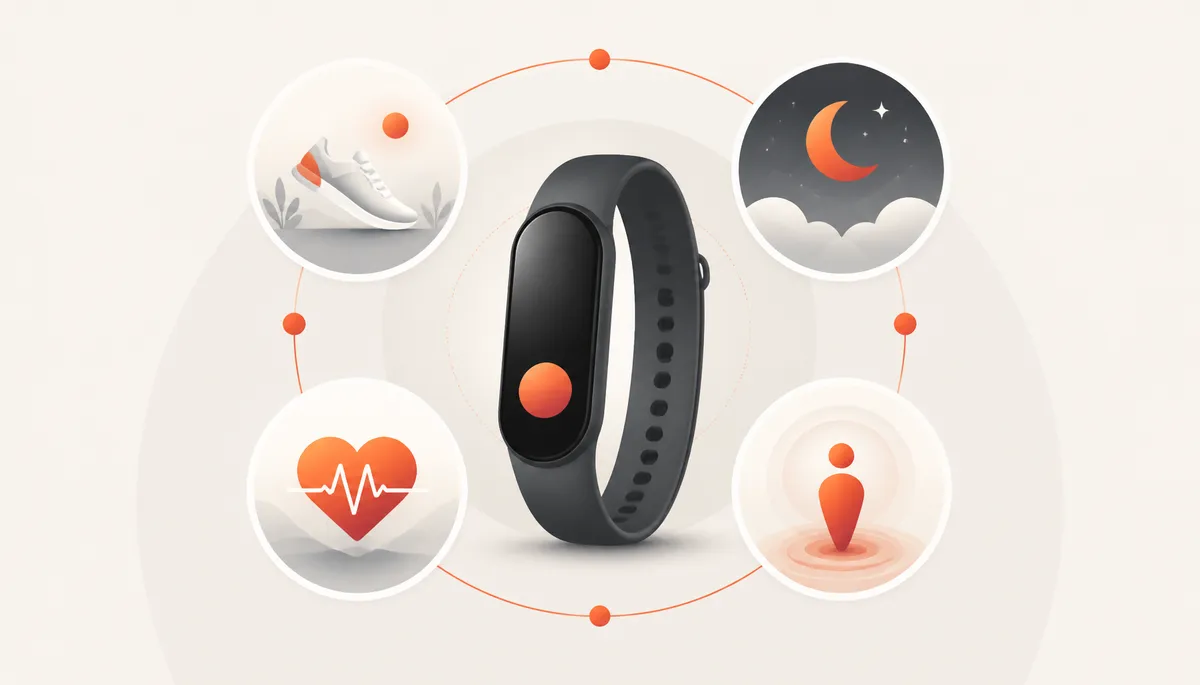
The companion app acts as a centralized dashboard collecting your daily physiological data. Thanks to optical sensors and onboard accelerometers, multiple health dimensions are tracked continuously.
Daily activity and step tracking calculates distance traveled and estimates active calories burned based on your biometric profile (weight, height, age). Regular inactivity alerts remind you to stand up when sitting for over an hour.
In-depth sleep monitoring breaks down each night into light sleep, deep sleep, and REM phases. The algorithm evaluates your sleep schedule regularity, detects nighttime awakenings, and assesses sleep breathing quality via the SpO2 blood oxygen sensor.
The PAI (Personal Activity Intelligence) score is a clinically validated algorithm that translates heart rate fluctuations into a rolling 7-day score. Maintaining a PAI score above 100 is correlated with significant cardiovascular risk reduction.
⚙️ Step-by-Step Installation and Sync Guide
Installing and pairing a Xiaomi band takes only a few minutes. Download Zepp Life or Mi Fitness from Google Play Store on Android or Apple App Store on iPhone. Create a Mi account or sign in with your existing credentials.
Turn on Bluetooth and location services on your smartphone. In the app, navigate to Profile or Devices, select Add Device, and choose Band or Watch. Hold the band close to your phone and confirm pairing by tapping the green checkmark on the band screen.
Syncing with third-party apps expands your data utility. Both Zepp Life and Mi Fitness can automatically push workout sessions to Strava and sync steps and sleep with Apple Health (HealthKit) or Google Health Connect.
💡 💡 Android Optimization Tip
🛠️ Troubleshooting: Fixing Disconnections and Notification Bugs
Bluetooth synchronization issues are the most common user troubleshooting inquiry. If your band appears disconnected, toggle your phone Bluetooth off and on. If the issue persists, restart the band via its on-device Settings > Reboot menu.
Missing notifications (calls, SMS, WhatsApp) are usually caused by operating system permission restrictions. Verify that the companion app has notification access granted in your phone settings, and make sure Do Not Disturb mode is disabled on your tracker.
If a firmware update fails repeatedly, plug the band into its magnetic charger, verify that the battery is above 50%, and keep the companion app open in the foreground throughout the entire transfer.
 From Raw Data to Performance: Upgrading to Intelligent Coaching
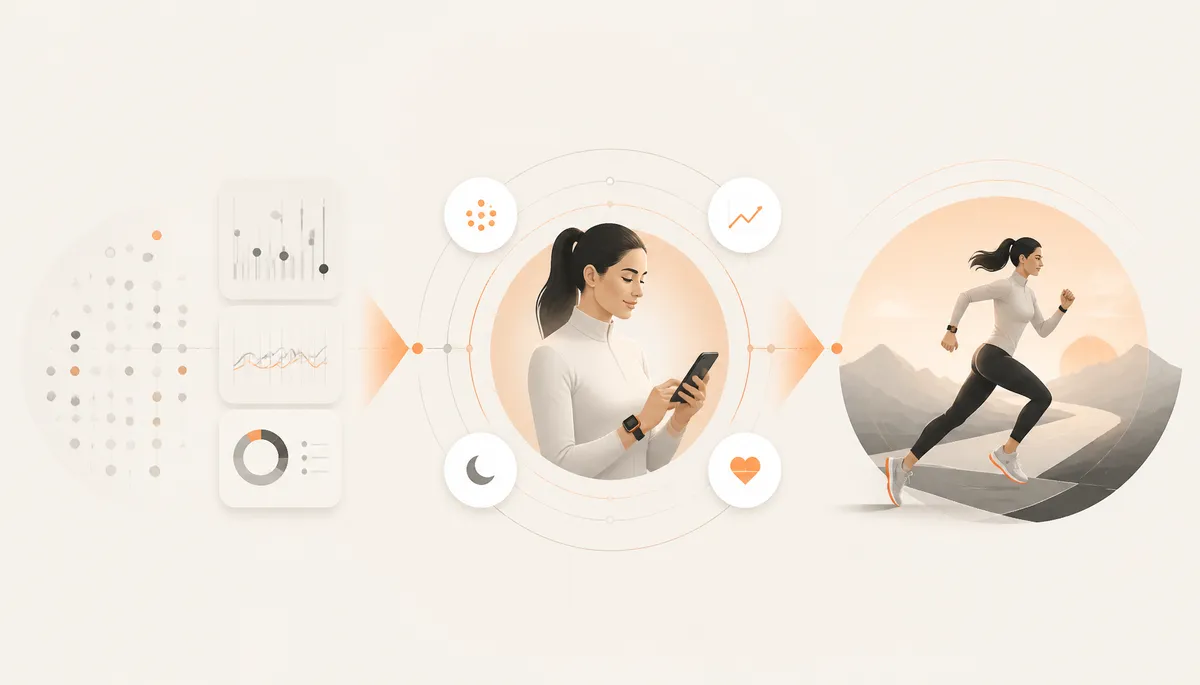
Apps like Zepp Life and Mi Fitness excel at passive logging, but they remain simple retrospective journals. They report that you slept 6 hours or took 7,500 steps, but never guide how to adjust tomorrow's strength workout or what macronutrients to prioritize for recovery.
An intelligent coach bridges the gap between raw data collection and actionable athletic progression. Instead of leaving you alone with complex charts, a modern platform analyzes your fatigue level, training load, and nutritional intake to deliver tailored workout adjustments.
This is exactly Atlo's core mission. By uniting the three key pillars (custom training, dynamic nutrition tracking, and adaptive recovery scoring), Atlo guides you with a 7-day free trial, followed by a Pro subscription at €8.99/month (€69.99/year). It turns your wearable into an active personal trainer.
⭐ ★ The Atlo Approach
⚖️ Comparison Table: Zepp Life, Mi Fitness, and Atlo
Comparing tools clarifies where a companion tracker app ends and where an athletic performance coach begins. This table outlines the distinct capabilities of each platform.
| Key Feature | Zepp Life | Mi Fitness | Atlo |
|---|---|---|---|
| Main Role | Mi Band 1-7 & scale companion | Smart Band 8-9 & watch companion | AI workout & nutrition coach |
| Step & Sleep Tracking | ★★★★★ | ★★★★★ | ★★★★★ |
| Personalized Workout Programs | ☆☆☆☆☆ | ★☆☆☆☆ | ★★★★★ |
| Automatic Progressive Overload | ☆☆☆☆☆ | ☆☆☆☆☆ | ★★★★★ |
| Nutrition & Macro Tracking | ☆☆☆☆☆ | ☆☆☆☆☆ | ★★★★★ |
| Cross-Pillar Recovery & Load Analysis | ★☆☆☆☆ | ★☆☆☆☆ | ★★★★★ |
| Pricing Model | Free (included with device) | Free (included with device) | 7-day free trial, then €8.99/mo |
📚 Sources and references
These sources document the Xiaomi and Zepp Health ecosystem along with biometric tracking research:
- •Mi Fitness sur Google Play (Beijing Xiaomi Mobile Software)
- •Zepp Life sur Google Play (Anhui Huami Information Technology)
- •Xiaomi Mi Fitness Portal officiel (watch.iot.mi.com)
- •Xiaomi Global : portail officiel montres et bracelets (mi.com)
- •Zepp Health : algorithme Personal Activity Intelligence (zepp.com)
- •National Library of Medicine (PubMed) : validité des capteurs connectés (nih.gov)
🔗 Atlo Resources
Continue reading to optimize your physical fitness and tracking tools:
Athletic Recovery: Guide to Effective Strategies
Understand sleep, heart rate variability, and muscular recovery drivers.
Best Fitness App: Comparison and Guide
How to choose the right app for your strength training, cardio, and nutrition.
Personalized Strength Training Program
Structure your progression with tailored workouts matching your level and equipment.
❓ FAQ
📖 Read next
Athletic Recovery: Optimize Sleep, HRV, and Rest
Fitness App: Complete Guide and Comparison
Personalized Strength Training Program
adidas Running App: Review and Comparison 2026
Ready to turn your tracking data into real results?
Join the Atlo community and discover how artificial intelligence tailors your workouts and nutrition to your real energy level.
lockNo spam. We'll email you at launch.